
Get started with Jade Desktop.
From download to your first signed payment. Keep a pen and paper ready for the recovery phrase.
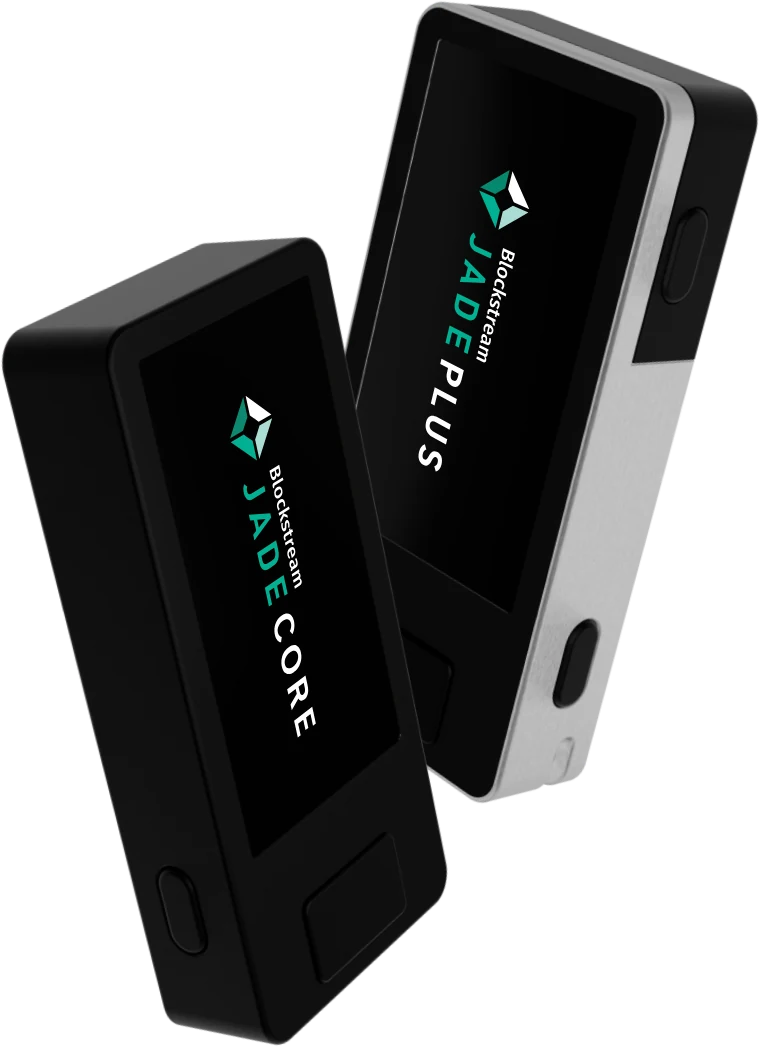
-
01
Download and verify
Download the build for your system, then compare its SHA-256 checksum with the one published for the release.
- Windows:
certutil -hashfile JadeDesktop-Setup-x64.exe SHA256 - macOS:
shasum -a 256 JadeDesktop.dmg - Linux:
sha256sum JadeDesktop-x86_64.AppImage
- Windows:
-
02
Install
- Windows: run the installer and follow the steps.
- macOS: open the disk image and drag Jade Desktop to Applications.
- Linux: make the AppImage executable with
chmod +x, then run it.
-
03
Set up your Jade
Follow the instructions on the device screen. When the recovery phrase appears, write every word on paper, in order. Never photograph it or type it into a computer or phone.
Keep the paper somewhere safe and offline. It is the only way to restore your wallet, and nobody can recover it for you.
-
04
Connect to Jade Desktop
Open Jade Desktop and connect your device. The app reads your public wallet information; the private keys stay on Jade. Supported connection methods are listed in the documentation.
-
05
Receive
Create a receive address in the app and share it with the sender. Before receiving larger amounts, check that the address on the Jade screen matches the one in the app.
-
06
Review and send
Enter the recipient, amount and fee in the app. Jade shows the payment on its own screen: check the address and amount there, then confirm. The app broadcasts the signed transaction to the Bitcoin network.
Nobody from Jade Desktop will ever ask for your recovery phrase.